3680
Update: Local Timezone
Timezones displayed on AirNav RadarBox
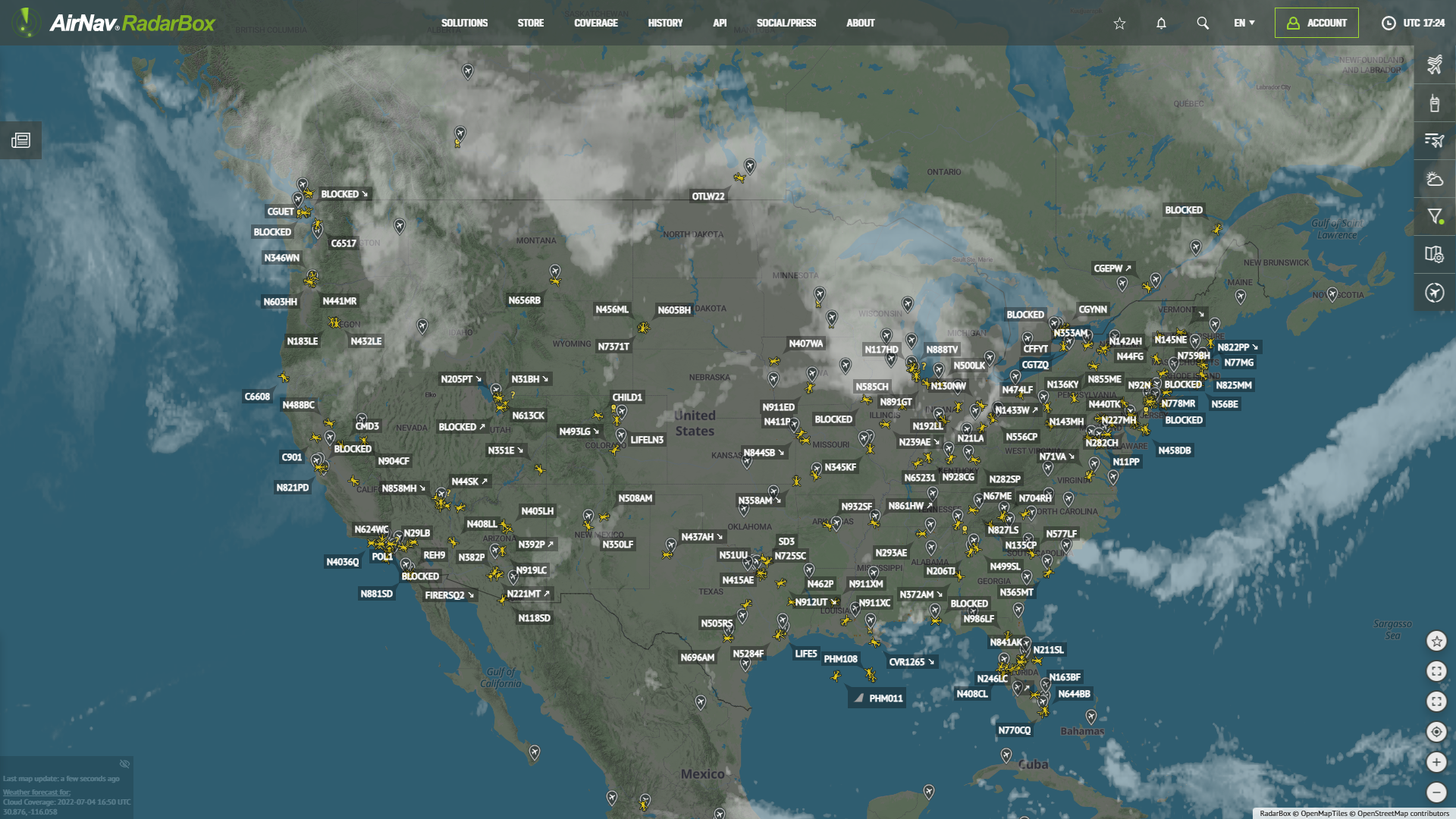
In addition to the Coordinated Universal Time and Greenwich Mean Time, known as UTC/GMT, frequently used in the aviation and aerospace industry, you can now switch the timezone displayed on RadarBox.com to your local time zone.

Timezones displayed on AirNav RadarBox
On the right sidebar, click on "Map options," find the item "Units & Tables" and "Timezone," and choose between local or UTC/GMT.

Timezones displayed on AirNav RadarBox
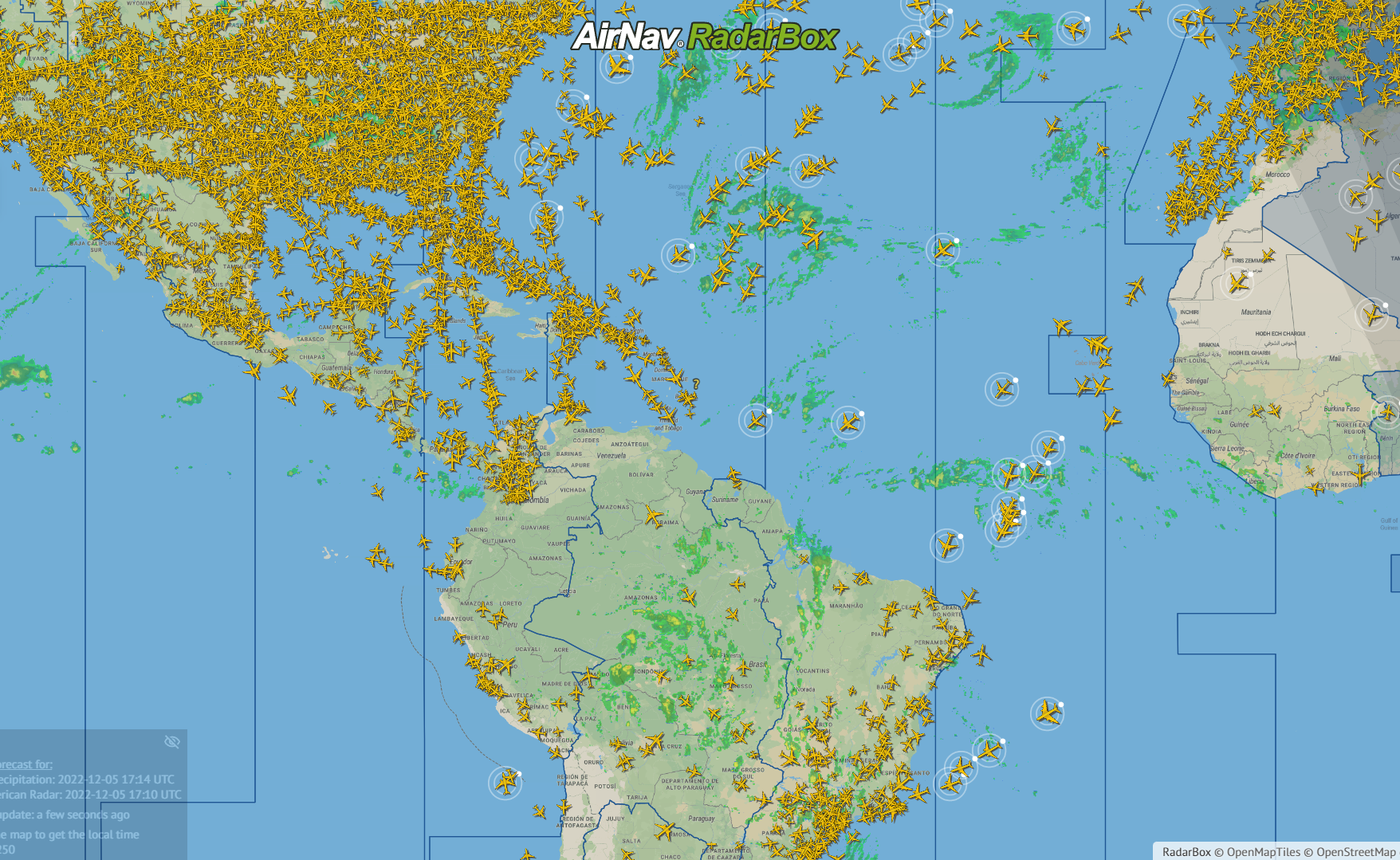
To overlay the timezone, select the maps option and then select the time zone overlay! After this, the different time zones around the world will be displayed on the map.

Timezones displayed on AirNav RadarBox